Claude Code’s source code leaked. Setting aside the surveillance concerns, it’s a genuinely well-designed harness for controlling AI behavior.
I’ve been digging through it. This is one of the key patterns: App State - the nervous system that coordinates every subsystem.
Other posts in this series: Query Engine, Tool System, Permission System, Memory, Context Compaction, MCP Integration, Multi-Agent, Agent Spawning.
The Architecture
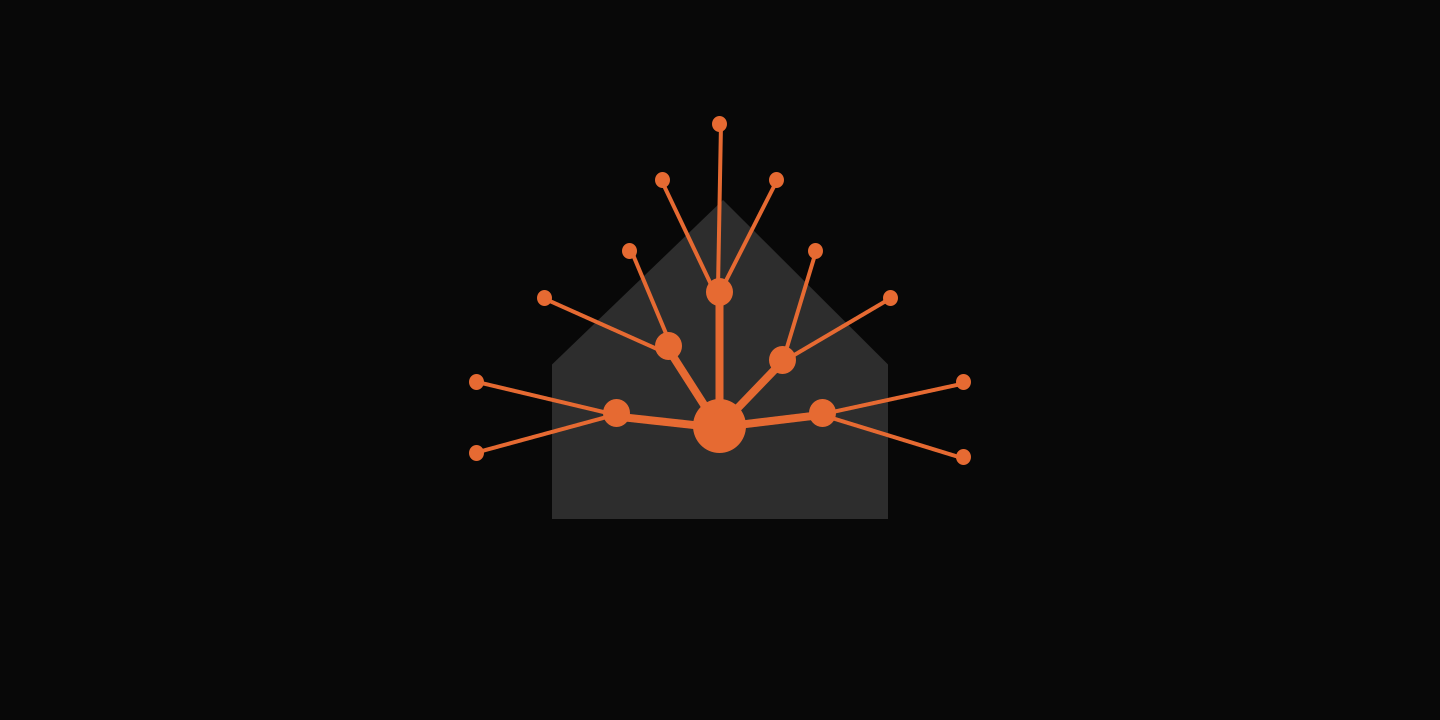
If the query engine is the hand that executes, App State is the nervous system that coordinates.
The query engine runs the conversation loop: receive message, think, call tools, respond. It’s the execution engine. But it doesn’t own the state. It reads from and writes to the App State, which coordinates different pieces within the application:
- Permission system - What’s allowed (Permission System)
- Task orchestration - What’s running (Agent Spawning)
- Multi-agent coordination - What agents exist (Multi-Agent)
- MCP integration - What external tools are available (MCP Integration)
- Plugin sandboxing - What code is loaded
- Bridge/remote sessions - Cross-process sync
- Speculation engine - Predictive execution
- And etc.
This separation of concerns is the key insight. The query engine focuses on execution. The App State focuses on coordination. They don’t import each other — they connect through callbacks, a textbook case of Inverse of Control.
Simple Store
type Store<T> = {
  getState: () => T
  setState: (updater: (prev: T) => T) => void
  subscribe: (listener: () => void) => () => void
}

export function createStore<T>(initialState: T, onChange?: OnChange<T>): Store<T> {
  let state = initialState
  const listeners = new Set<Listener>()

  return {
    getState: () => state,

    setState: (updater: (prev: T) => T) => {
      const prev = state
      const next = updater(prev)
      if (Object.is(next, prev)) return  // No change, no notify
      state = next
      onChange?.({ newState: next, oldState: prev })
      for (const listener of listeners) listener()
    },

    subscribe: (listener: Listener) => {
      listeners.add(listener)
      return () => listeners.delete(listener)
    },
  }
}
This simplicity is the feature. Every state change flows through setState. Every change triggers onChange. Every subscriber gets notified. One path for all state mutations. If this looks familiar, it’s the Observer pattern distilled to its essence — a single subject broadcasting to subscribed listeners.
The State Inventory
The store holds 100+ fields. They cluster into specific categories, each solving a specific harness problem.
Permission System
toolPermissionContext: {
  mode: 'default' | 'plan' | 'acceptEdits' | 'bypassPermissions' | 'dontAsk' | 'auto'
  prePlanMode?: string  // Saved mode when entering plan mode
  allowedTools: Set<string>
  deniedTools: Set<string>
  // ... permission tracking state
}
denialTracking?: {
  // Classifier mode limits - fall back to prompting when exceeded
  consecutiveDenials: number
  totalDenials: number
  lastDeniedTool: string
}
This is the AI’s leash. The mode determines what prompts the user. Permission mode changes cascade through the entire system via onChangeAppState:
// Single choke point for CCR/SDK mode sync
if (prevMode !== newMode) {
  notifySessionMetadataChanged({ permission_mode: newExternal })
  notifyPermissionModeChanged(newMode)
}
Every tool checks this context before executing. The query engine doesn’t decide permissions - it reads from the store. This makes permission logic consistent across all execution paths.
Task Orchestration
tasks: { [taskId: string]: TaskState }
foregroundedTaskId?: string
viewingAgentTaskId?: string
agentNameRegistry: Map<string, AgentId>
When an AI spawns background tasks (Agent tool calls, teammates, workflows), this tracks them. The foregroundedTaskId determines which task’s messages show in the main view. The viewingAgentTaskId handles the teammate UI. The agentNameRegistry enables SendMessage to route by name.
Multi-Agent Coordination
teamContext?: {
  teamName: string
  leadAgentId: string
  selfAgentId?: string
  selfAgentName?: string
  isLeader?: boolean
  teammates: {
    [teammateId: string]: {
      name: string
      tmuxSessionName: string
      tmuxPaneId: string
      cwd: string
      worktreePath?: string
      spawnedAt: number
    }
  }
}
workerSandboxPermissions: {
  queue: Array<{
    requestId: string
    workerId: string
    host: string
    // ... leader-side approval state
  }>
  selectedIndex: number
}
pendingWorkerRequest: { toolName, toolUseId, description } | null
pendingSandboxRequest: { requestId, host } | null
Swarm mode (teammates in separate processes) needs this. Each teammate has its own state, but the leader tracks all of them. When a worker needs network access, it requests permission from the leader via workerSandboxPermissions.queue. The leader’s UI shows the approval dialog. The worker’s UI shows pendingWorkerRequest while waiting.
MCP Integration
mcp: {
  clients: MCPServerConnection[]
  tools: Tool[]
  commands: Command[]
  resources: Record<string, ServerResource[]>
  pluginReconnectKey: number
}
elicitation: { queue: ElicitationRequestEvent[] }
Plugin System
plugins: {
  enabled: LoadedPlugin[]
  disabled: LoadedPlugin[]
  commands: Command[]
  errors: PluginError[]
  installationStatus: {
    marketplaces: Array<{ name, status, error? }>
    plugins: Array<{ id, name, status, error? }>
  }
  needsRefresh: boolean
}
Plugins can add commands, tools, and MCP servers. The store tracks which are enabled, which failed to load, and which are being installed. needsRefresh signals when disk state changed (background reconcile, external edit) and active components are stale.
Bridge/Remote Sessions
replBridgeEnabled: boolean
replBridgeConnected: boolean
replBridgeSessionActive: boolean
replBridgeReconnecting: boolean
replBridgeConnectUrl: string | undefined
replBridgeSessionUrl: string | undefined
remoteSessionUrl: string | undefined
remoteConnectionStatus: 'connecting' | 'connected' | 'reconnecting' | 'disconnected'
remoteBackgroundTaskCount: number
replBridgePermissionCallbacks?: BridgePermissionCallbacks
Although I haven’t used the remote session feature, but it is easy to image the complexity brought in by that. The always-on bridge enables bidirectional control between the CLI and claude.ai. The store tracks connection state, session URLs, and permission callbacks.
Global Vs Local State
App State manages global state. Local states are delegated to other services/components.
- Messages inside QueryEngine - Different subagents have different histories.
- Turn-level recovery state inside QueryEngine -
maxOutputTokensRecoveryCount,hasAttemptedReactiveCompact,transitionreset per query. - File cache is local to each agent - LRU eviction per-agent.
Brief
The query engine is the hand - it executes. App State is the nervous system - it coordinates.
This is also where the tool system registers its tools and the memory system stores its state.
To be honest, the app state pattern is not specific to AI agent. This separation of concerns prevents spaghetti architecture, which applies to broader scope of software. Every subsystem connects to App State, not to each other.
And the app state is kept coordination only, no per-turn execution state. This keeps the nervous system focused on coordination, not becoming a dumping ground for every piece of state.
Related
How Hermes-Agent Evolves Over Time
by a Developer
May 2026
by a Developer
agent
ai
Hermes-Agent claims to be "the agent that grows with you". It's not marketing — it's three counters, a background fork, and a 100-line prompt.
Learn From Claude Code: Agent Spawning
by a Developer
Apr 2026
by a Developer
agent
ai
Learning Claude Code's agent spawning by inspecting its leaked source code.
Learn From Claude Code: MCP Integration
by a Developer
Apr 2026
by a Developer
agent
ai
Anthropic invented MCP a year ago. Now they're experimenting with skill-ifying it. Here's what the leaked source reveals about the pivot.
Learn From Claude Code: Memory
by a Developer
Apr 2026
by a Developer
agent
ai
Learning Claude Code's memory system by inspecting its leaked source code.